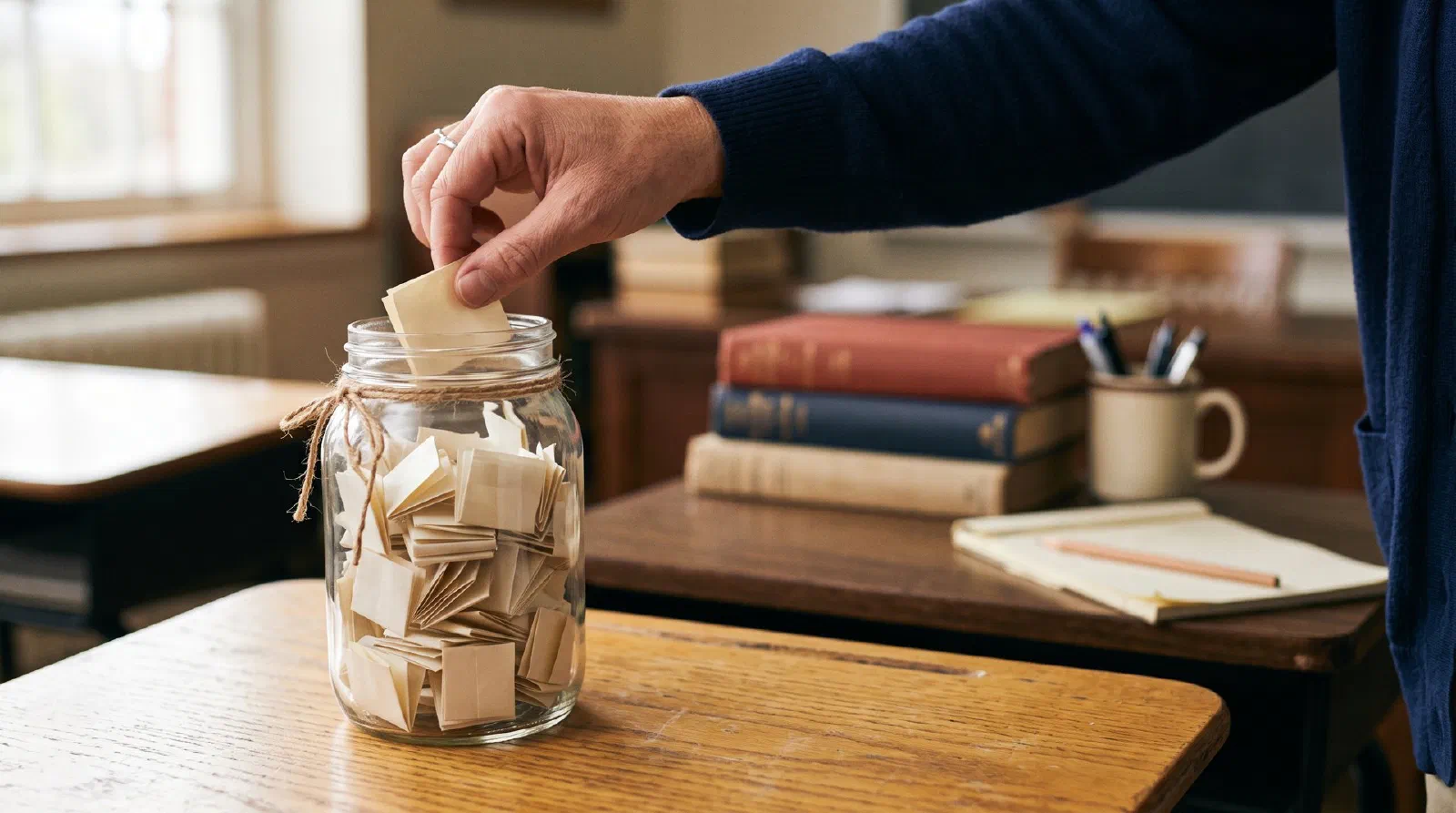
The short answer
Each spin gives every name on the wheel the same chance: 1 ÷ (names on the wheel). With 25 names, that’s 4% per spin. With no repeats on, a picked name leaves the wheel, so 25 spins call all 25 students exactly once. With repeats allowed, about 36% of a 25-student class — roughly 9 students — would not be called in 25 spins. The winner is chosen with your browser’s cryptographic random generator before the wheel starts turning; the animation just shows it.A name picker solves a small problem that happens many times a day: who answers next? Calling on volunteers lets the same few hands carry the lesson. A visible, random pick spreads questions across the room and makes “I wasn’t ready” less of an option, because everyone knows they might be next.
How the picker chooses a name
Each spin, every name still on the wheel has the same chance: 1 divided by the number of names. With 25 names, that’s 4%; after five students have been picked in no-repeat mode, each of the remaining 20 has a 5% chance.
The order of events matters for fairness. The tool first picks the winner with your browser’s cryptographic random generator. It uses rejection sampling — a standard fix that throws away the rare random values that would favor the first few names. Only then does the wheel spin, with a random number of turns and a random stopping point inside the winning slice, and land on that name. The animation never changes the result, and nothing about how hard or long you press affects it.
Why “no repeats” is the default
Pure randomness with repeats allowed is less even than it feels. Some students get called twice before others are called once. The numbers below are computed for a lesson where you spin once per student:
| Class size | Chance a student is never called (with repeats) | Students never called, on average | Spins to call everyone at least once (average) |
|---|---|---|---|
| 20 | 35.8% | 7.2 | 72 |
| 25 | 36.0% | 9.0 | 95 |
| 30 | 36.2% | 10.8 | 120 |
With no repeats on, 25 spins call 25 different students — guaranteed. The order is still random, so no one can predict their turn. Turn repeats back on when you want students to stay alert even after they’ve answered.
Managing absent students and the picked list
The name chips under the wheel are a quick attendance switch. Tap a name to cross it out and remove it from the wheel; tap again when the student arrives. Crossed-out names are remembered on this device, so check the list at the start of each lesson.
The Already picked list shows the order names came up. It’s useful for:
- Turn-taking — presentations, reading aloud, or choosing who goes first.
- Tracking participation — glance at who has spoken this lesson before ending discussion.
- Picking up where you left off — the list stays on the device after a reload, so a picking round can continue tomorrow.
Press Reset picked list to start a new round, or Restore all names to clear both the picked list and any crossed-out names.
Using the wheel on the projector
Press Full screen and the wheel, pointer and winner fill the display at a size the back row can read. Press Space to spin, so you can stay at the front of the room instead of at the keyboard.
The wheel shows up to a few dozen names clearly; long names are shortened on the slice but shown in full when picked. If you’ve turned on reduced motion in your device settings, the wheel skips the spin and shows the result instantly — the pick is exactly as random either way.
Keeping random calling low-stress
Being picked in front of the class can feel risky, especially for students who process slowly or are learning English. A few habits keep the wheel from feeling like a trap:
- Allow “pass for now”. A picked student can pass, and you come back to them after two more answers. They stay accountable without freezing on the spot.
- Ask questions with more than one good answer. “What’s one thing you noticed?” is easier to answer on the spot than a single right-or-wrong fact.
- Praise the thinking, not just the answer. If a picked student explains a wrong answer clearly, that explanation is useful to the class.
- Spin for low-stakes things too. When the wheel also picks who chooses the brain-break game, being picked feels less like a test.
Wheel of names vs. list picker: which works better for cold calling?
Teachers who choose names randomly usually pick between a spinning wheel of names and a plain list picker (a shuffled list, popsicle sticks or name cards). Both can be fair. The difference is what the class sees and how easy it is to track who has already answered.
Spinner wheel random picker vs. list picker for classroom cold calling
| Feature | Wheel of names (this tool) | List picker or sticks |
|---|---|---|
| Visible to the class | Yes, the spin is on the projector | Often only the teacher sees the pick |
| Proof it is random | Students watch the pointer land | Students have to trust the teacher |
| No repeats | Built in, picked names leave the wheel | Manual: set sticks aside, cross off the list |
| Absent students | One tap removes a name | Pull the stick or skip the line |
| Time per pick | A few seconds of spin (instant with reduced motion) | About the same |
| Best for | Whole-class questions, turn order, jobs | Quick private picks during group work |
Worked example. A class of 25 with three cold calls per lesson needs 25 ÷ 3 = 8.3 lessons, so a no-repeat round covers everyone within 9 lessons. With repeats allowed, those same 27 spins leave each student a (24/25)^27 = 33% chance of never being called, about 8 students on average.
For group work, split the room with the student group randomizer first, then spin for the reporter. Give each answer the same window with the countdown timer for the classroom, and see the other free tools for teachers online for seating and grading.
Classroom routines that pair well with a name picker
- Think, then pick. Question → silent think time → spin. Students all prepare an answer because any of them may be chosen.
- Phone-a-friend. A picked student can ask a neighbor for help, but still gives the answer. It keeps cold-calling low-stress.
- Pick the reporter, not the group. After group work made with the random group generator, spin to choose which group shares first.
- Time the answer. For longer responses, pick a name and start a 1-minute timer so each speaker gets the same time.
- Use it for jobs. Line leader, materials manager, or who picks the read-aloud — random selection avoids the “you always pick her” debate.
- Save every class once. Save each period’s list; it then appears in the seating chart maker and group generator too.
Frequently asked questions
How do I randomly pick a name from a list?
Is a random name picker fair, or does the animation decide?
How does no-repeat mode work?
How do I take out a student who is absent?
Can I use the name picker on a smartboard, keyboard or clicker?
Can I pick more than one name at a time?
Does it make noise?
Can I save my class list, and where are the names stored?
Sources & method
- Randomness: MDN — Crypto.getRandomValues() (“cryptographically strong random values”).
- Probabilities on this page are computed: chance a student is never picked in n spins with repeats = (1 − 1/n)ⁿ; expected spins to call everyone at least once = n × (1 + 1/2 + … + 1/n) (the coupon-collector result).
Formulas checked October 2026. Spotted an error? Tell us via the about page.