The short answer
- Use a purpose-built citation tool, not a general chatbot. Tools like Scribbr, ZoteroBib, and EasyBib format from real source data; ChatGPT can invent plausible, fake references.
- ZoteroBib is free, no-account, and privacy-friendly; Scribbr and EasyBib offer polished generators with extras (some paid).
- Every generator makes formatting errors. Always check the output against your style guide — the tool is a first draft, not a final answer.
- The one unbreakable rule: verify every citation points to a source that actually exists. A fabricated reference is worse than a missing one.
- For citing AI itself, that’s a different task — see how to cite ChatGPT.
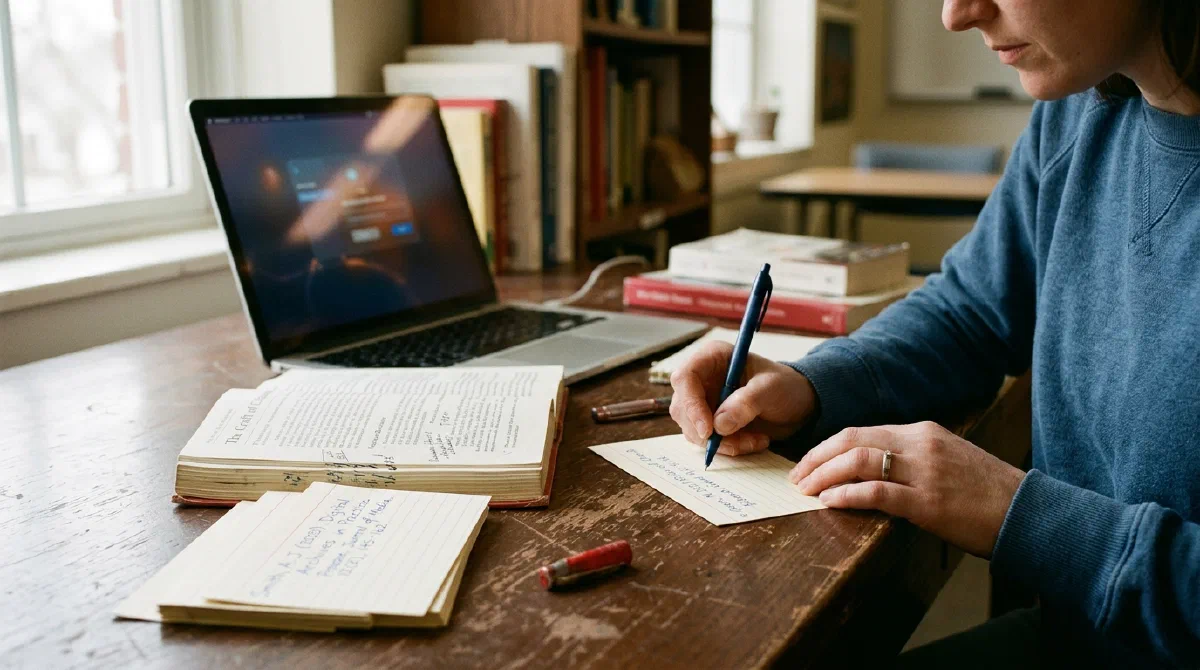
Citations are the most dangerous place to let a general AI help, because the failure mode is invisible until it’s catastrophic. A chatbot will hand you a beautifully formatted reference — author, journal, volume, pages — that simply does not exist, and it looks exactly like a real one until a teacher tries to find it. This guide covers the tools that do this job safely, and the one rule that keeps you out of the integrity office.
What should you actually use?
A dedicated citation generator that formats from real source metadata. These take a URL, DOI, ISBN, or title, pull the actual source data, and format it in your chosen style. That’s structurally safe in a way a text-predicting chatbot isn’t.
| Tool | Best for | Notes | Maker |
|---|---|---|---|
| ZoteroBib | Free, no account, privacy | Formats many styles; from the Zotero team | Corp. for Digital Scholarship |
| Scribbr | Polished generator + guidance | Strong style guides; some features paid | Scribbr |
| EasyBib | Familiar, many source types | Free MLA; other styles/features paid | Chegg |
ZoteroBib — the free, no-strings option
ZoteroBib (zbib.org) is the one to try first. It’s free, needs no account, formats in a wide range of styles, and comes from the non-profit behind Zotero — with a privacy-friendly, no-upsell approach that’s rare in this category.
- Where it’s strong: genuinely free, fast, no login, broad style support, and it can build a full bibliography in the browser.
- Where to be careful: like every generator it can pull imperfect metadata, so check each entry — especially capitalization and unusual source types.
- Who it’s for: anyone who wants clean citations without an account or a paywall.
At zbib.org.
Scribbr and EasyBib — polished, with extras
Both are established generators with helpful surrounding guidance. Scribbr pairs its generator with well-regarded style explainers, useful when you’re not sure how an odd source should be formatted. EasyBib is long-familiar to students and handles many source types, with free MLA and other styles behind its paid tiers.
- Where they’re strong: breadth of source types, style guidance, and a smoother experience than a bare tool.
- Where to be careful: feature paywalls, and the same universal caveat — verify the output.
- Who they’re for: students who want more hand-holding on formatting, or who are already in one of these ecosystems.
See scribbr.com and easybib.com.
What about citation features in writing tools?
Grammarly, word processors, and reference managers increasingly bundle citation help — convenient if you already work there. The rule doesn’t change: a bundled generator is still formatting from data it was given, so confirm the source is real and the format matches your assignment. Full reference managers (Zotero, Mendeley) are worth learning if you write a lot, since they store sources and cite as you write.
How do you use any of them safely?
Generate, then verify — every time. The discipline is short and non-negotiable:
- Feed it the real source — a working URL, DOI, or the book in hand. Never let a tool invent the source.
- Pick the exact style your assignment requires (MLA, APA, Chicago).
- Check the output against your style guide — generators routinely miss capitalization and edge cases.
- Confirm the source exists. Click through. If you can’t find it, don’t cite it.
- Keep the source so you can produce it if asked.
The bigger picture
Citations are where AI’s tendency to hallucinate meets the highest stakes, which is why “verify the source exists” appears throughout this site. Use a real generator for formatting, use your own eyes for verification, and — when you’re crediting AI’s help itself — follow how to cite ChatGPT.
For the full toolkit, see the best AI homework helpers and our complete guide to AI homework help.
Sources & notes
Descriptions reflect each tool’s official documentation and publicly available information as of August 2026: ZoteroBib (zbib.org), Scribbr (scribbr.com), and EasyBib (easybib.com, Chegg). Features and pricing change — confirm on each official site. This is not an independent benchmark; characterizations reflect stated design and established public use, not a controlled test by us.
Frequently asked questions
What is the best free citation generator?
ZoteroBib (zbib.org) is a strong free option: it requires no account, formats in many styles, and is run by the non-profit behind Zotero with a privacy-friendly approach. Scribbr and EasyBib also offer capable free generators, though some features are paid. Whichever you use, verify the output, because all citation generators make formatting mistakes.
Can ChatGPT generate citations?
It can produce text that looks like citations, but it may invent references that don’t exist — fake authors, journals, and page numbers that look completely real. This is one of the most common ways students get in trouble. For citations, use a purpose-built generator that works from actual source data, and never submit a reference from a general chatbot without confirming the source is real.
Are AI citation generators accurate?
They’re generally reliable at formatting when given correct source information, but none are perfect — they misplace capitalization, mishandle unusual sources, and can pull wrong metadata. Treat any generator’s output as a first draft to check against your required style guide (MLA, APA, Chicago), not as a finished citation.
Why is it dangerous to use AI for citations?
Because a fabricated citation looks identical to a real one until someone tries to find the source — and then it looks like deliberate dishonesty rather than a mistake. General chatbots hallucinate references confidently. The danger isn’t formatting errors; it’s citing sources that were never real, which is why verification against the actual source is non-negotiable.